


The best email provider for most people is Gmail, thanks to its free storage, strong spam filtering, and polished apps. Choose Outlook if you live in Microsoft 365, Proton Mail or Tuta if privacy comes first, and Zoho Mail or Google Workspace if you need professional email on your own domain.
Email is still the account everything else hangs off: banking, shopping, work tools, and password resets all route through it. That makes your provider’s security, storage, and reliability worth a few minutes of comparison. Below, we compare 10 popular free and paid email providers on storage, privacy, custom domain support, and price, then explain how to get email on your own domain through your web host.
Best Email Providers at a Glance
- Best free email overall: Gmail
- Best for Microsoft 365 users: Outlook
- Most secure email provider: Proton Mail
- Best free business email with your own domain: Zoho Mail
- Best for Apple users: iCloud Mail
- Best ad-free paid email: Fastmail
- Best budget encrypted email: Tuta
- Most free storage: GMX Mail
- Best business email bundled with hosting: Titan
| Provider | Free storage | Custom domain | End-to-end encryption | Paid plans from |
|---|---|---|---|---|
| Gmail | 15 GB (shared with Drive and Photos) | With Google Workspace | No | $7/user/month (Workspace, billed yearly) |
| Outlook | 15 GB | With Microsoft 365 business plans | No | $19.99/year (Microsoft 365 Basic, 100 GB) |
| Yahoo Mail | 20 GB | No | No | $1.99/month (100 GB) |
| Zoho Mail | 5 GB per user (up to 5 users) | Yes, including the free plan | No | $1/user/month (Mail Lite, billed yearly) |
| Proton Mail | 1 GB | Paid plans | Yes | $4.99/month (Mail Plus) |
| iCloud Mail | 5 GB (shared with iCloud) | All iCloud+ plans | No | $0.99/month (50 GB) |
| Fastmail | No free plan | Yes | No | $5/month (billed yearly) |
| Tuta | 1 GB | Paid plans | Yes | About €3/month (Revolutionary) |
| Titan | No free plan | Yes (requires a domain) | No | About $1.49/user/month |
| GMX Mail | Up to 65 GB | No | Optional (PGP) | Free |
Prices are regular US list prices checked in November 2026 and exclude limited-time promotions. Tuta prices are listed in euros.
How to Choose an Email Provider
Before switching, weigh these factors:
- Price and ads: free accounts are paid for with ads, lower storage, or fewer features. Paid plans usually remove ads and add storage and support.
- Custom domain: an address like [email protected] looks more professional and stays yours if you change providers. Free consumer accounts rarely include one.
- Security and privacy: look for two-factor authentication, strong spam and phishing filters, and, if privacy matters most, end-to-end encryption.
- Storage: check whether storage is for email alone or shared with cloud files and photos.
- Apps and integrations: good mobile apps, calendar and contacts sync, and support for apps like Outlook or Apple Mail (IMAP) make daily use easier.
- Support: free accounts usually get self-help articles only. Business plans add live support.
The 10 Best Email Providers Compared
1. Gmail: Best Free Email Overall
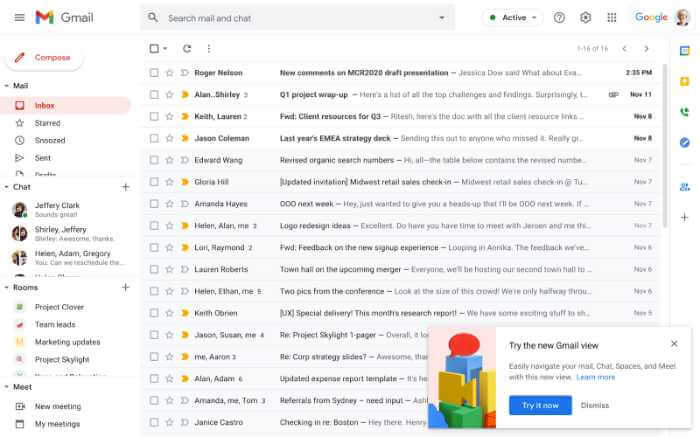
Gmail is the world’s most widely used email service and the easiest recommendation for most people. A free account includes 15 GB of storage shared across Gmail, Google Drive, and Google Photos, attachments up to 25 MB (larger files are shared as Drive links), and some of the best spam and phishing filtering available.
Gmail’s search is fast and accurate, its iOS and Android apps are excellent, and features like undo send, scheduled send, and offline access are built in. It ties neatly into Google Calendar, Meet, and Drive.
The trade-offs: free accounts show ads, your address ends in @gmail.com, and messages are encrypted in transit but not end to end. For a custom domain, more storage, and support, Google Workspace Business Starter costs $7 per user per month on an annual plan and includes 30 GB of storage per user.
Best for: most personal users, and small teams that already use Google tools.
2. Microsoft Outlook: Best for Microsoft 365 Users
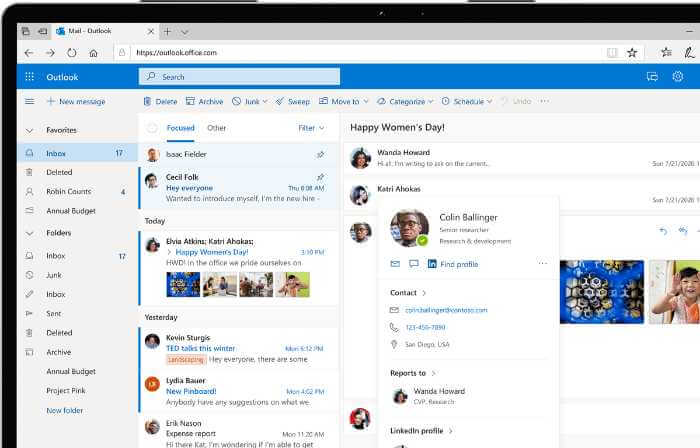
Outlook.com (formerly Hotmail) is Microsoft’s free email service. You get a 15 GB mailbox, the Focused Inbox that separates important mail from the rest, and tight integration with Microsoft calendar, contacts, and Office apps on the web.
Paid plans remove ads and raise mailbox storage to 100 GB. Microsoft 365 Basic costs $19.99 a year, Personal $99.99 a year (adding the desktop Office apps and 1 TB of OneDrive storage), and Family $129.99 a year for up to six people. Email on your own domain requires a Microsoft 365 business plan.
Best for: people who use Word, Excel, and Teams, or businesses standardized on Microsoft.
3. Yahoo Mail: A Familiar Free Option With Less Storage
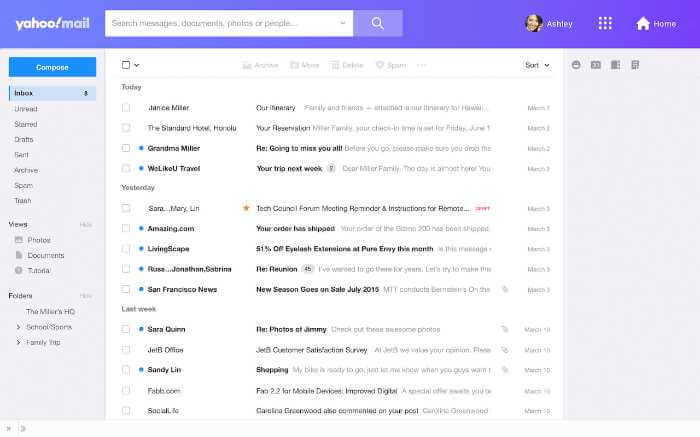
Yahoo Mail has been around since 1997 and still offers a clean interface, good apps, and handy extras like views that pull out receipts, travel details, and deals from your inbox.
It is no longer the storage leader it once was. In 2025, Yahoo cut free storage from 1 TB to 20 GB. Paid storage starts at $1.99 a month for 100 GB, and Yahoo Mail Plus removes ads and raises storage to 200 GB. There’s no custom domain support on consumer plans.
Best for: existing Yahoo users who are happy with the interface and stay under 20 GB.
4. Zoho Mail: Best Free Business Email With Your Own Domain
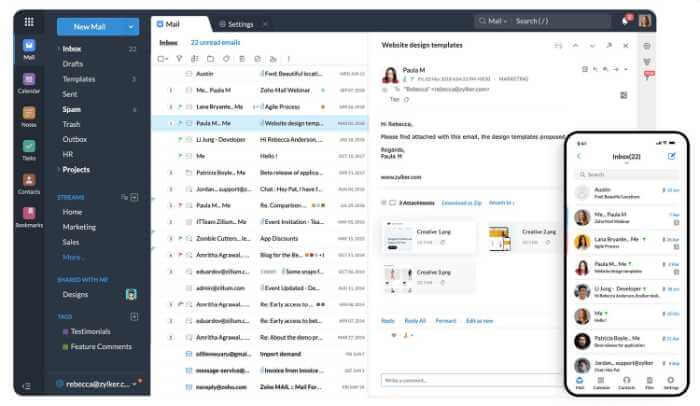
Zoho Mail is built for businesses and is one of the few providers that offers free email on your own domain. The Forever Free plan covers one domain and up to five users with 5 GB each, although it’s limited to the web and Zoho’s mobile apps (no IMAP, POP, or ActiveSync for desktop email clients).
Paid plans unlock desktop client access, more storage, and features like email retention. Mail Lite starts at $1 per user per month billed yearly (5 GB), and Mail Premium at $4 per user per month (50 GB). Zoho Mail is ad-free on every plan and integrates with the wider Zoho suite of CRM, docs, and collaboration apps.
Best for: small businesses and freelancers who want professional email on a tight budget.
5. Proton Mail: Most Secure Email Provider
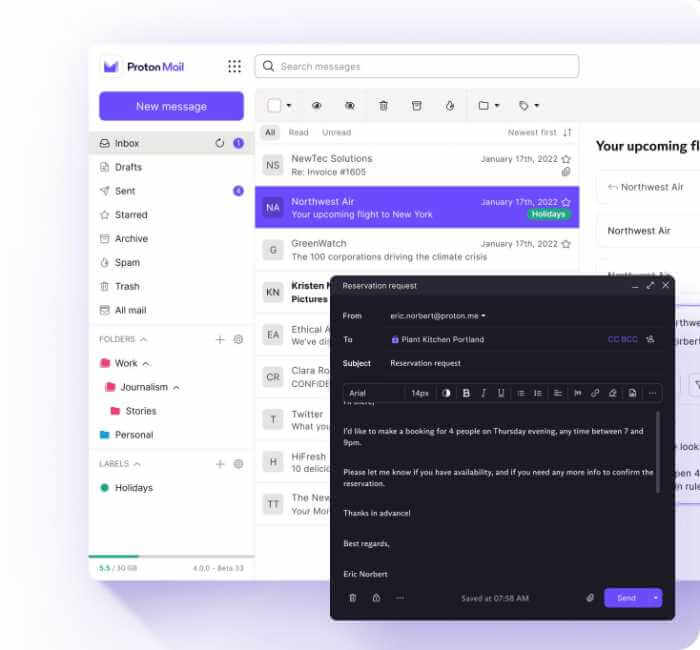
Proton Mail is the best-known privacy-first email service. Messages between Proton users are end-to-end encrypted, mail in your inbox is stored with zero-access encryption so Proton can’t read it, and the company is based in Switzerland, which has strong privacy laws.
The free plan includes 1 GB of storage and one address. Mail Plus costs $4.99 a month on monthly billing ($47.88 a year on annual billing) and adds 15 GB, 10 addresses, and one custom domain. Proton Unlimited bundles mail with Proton’s VPN, Drive, and Pass for $12.99 a month.
Best for: journalists, privacy-conscious users, and anyone who wants their provider unable to read their mail.
6. Apple iCloud Mail: Best for Apple Users
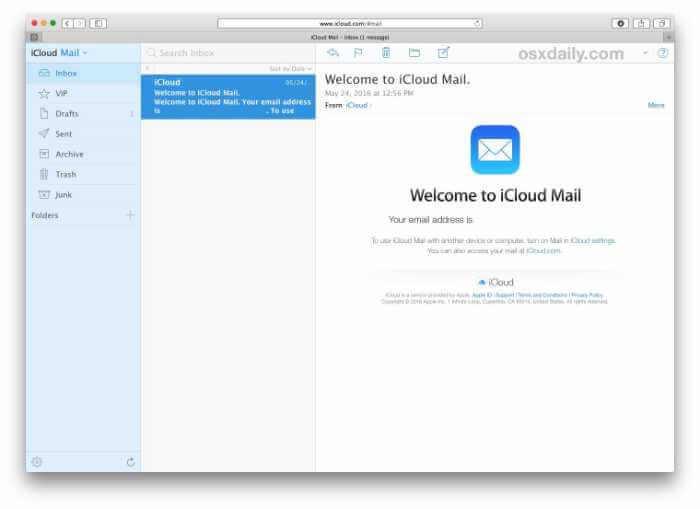
iCloud Mail comes free with every Apple Account and works seamlessly in the Mail app on iPhone, iPad, and Mac. Free accounts get 5 GB of storage shared with iCloud backups and photos, which fills up fast.
Upgrading to iCloud+ costs $0.99 a month for 50 GB, $2.99 for 200 GB, or $9.99 for 2 TB (larger 6 TB and 12 TB tiers are available too). Every iCloud+ plan adds custom email domains and Hide My Email, which creates random forwarding addresses to keep your real one private.
Best for: iPhone and Mac owners who want email that just works across their devices.
7. Fastmail: Best Ad-Free Paid Email
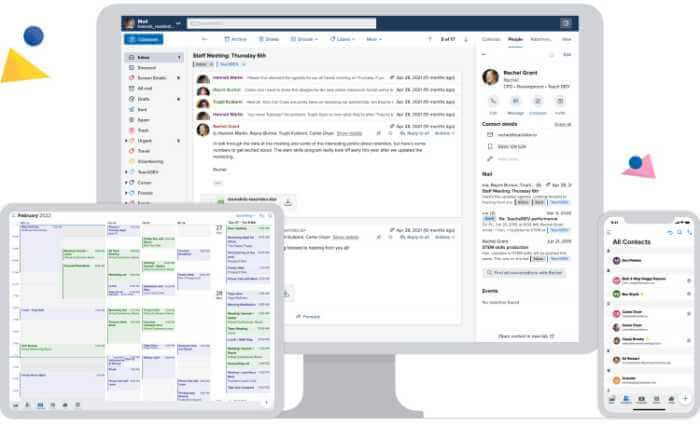
Fastmail skips the free tier and the ads. In exchange, you get a fast, private service with no ad tracking, excellent apps, powerful filtering, and full support for custom domains and standard protocols, so it works with any email client.
The Individual plan costs $5 a month billed yearly ($60 a year) and includes 50 GB for mail, calendar, and contacts plus 10 GB of file storage. Duo ($8 a month) and Family ($11 a month for up to six people) plans are also available, and you can try it free before paying.
Best for: people who want to leave Gmail for a private, ad-free service without giving up features.
8. Tuta: Best Budget Encrypted Email

Tuta, known as Tutanota until 2023, is a German encrypted email service. It encrypts more of your mailbox than most rivals, including subject lines, contacts, and calendars, and its apps are open source.
The free plan includes 1 GB of storage and one address. Paid Tuta plans start at about €3 a month for the Revolutionary plan, which adds 20 GB, 15 extra addresses, and up to three custom domains. The Legend plan raises that to 500 GB and 10 domains.
Best for: privacy-focused users who want encrypted email at a lower price than most competitors.
9. Titan: Best Business Email Bundled With Hosting
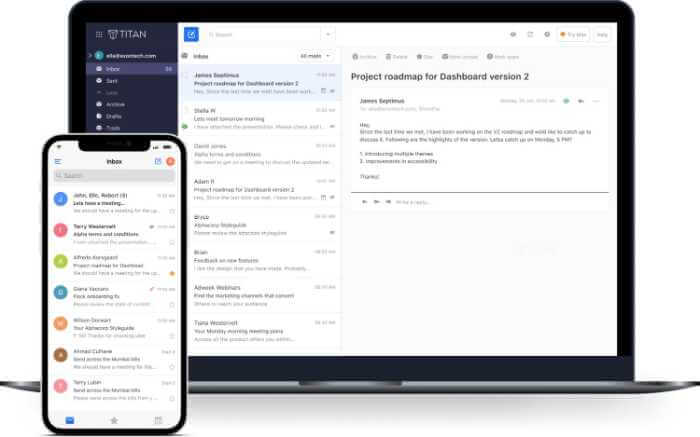
Titan is business email designed to be sold alongside domains and web hosting. You’ll often find it in the control panel of hosting companies and domain registrars, which makes setup on your domain quick.
Titan focuses on sales and customer communication, with read receipts, scheduled sending, follow-up reminders, and reusable email templates. There’s no free consumer plan; pricing depends on where you buy it, with plans starting at about $1.49 per user per month.
Best for: small businesses that want a simple professional inbox from the same company that hosts their website.
10. GMX Mail: Most Free Storage
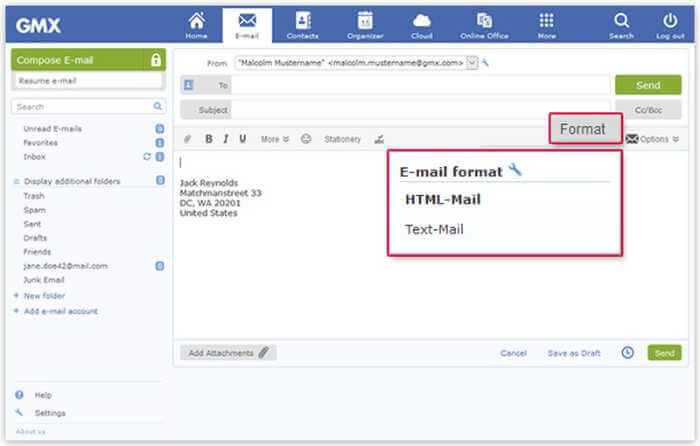
GMX Mail is a long-running free email service from Germany’s United Internet group. Its headline feature is storage: up to 65 GB for email, far more than most free providers. It also includes spam and virus filtering, a mail collector that pulls in messages from your other accounts, and optional PGP encryption.
GMX is ad-supported and doesn’t offer custom domains, so it’s better as a personal or backup address than a business inbox.
Best for: people who want a large free mailbox and don’t mind ads.
Free vs. Paid Email Providers
Free email is good enough for many personal users. Paying makes sense when you need any of the following:
- A custom domain: an address on your own domain builds trust with customers and stays with you if you change providers.
- No ads or data mining for marketing: paid plans remove inbox ads, and privacy-focused providers like Fastmail, Proton Mail, and Tuta don’t fund themselves through advertising.
- More storage: free plans range from 1 GB to 20 GB for most providers. Paid plans typically start around 15 GB to 100 GB.
- Admin and security controls: business plans let you add and remove users, enforce two-factor authentication, and recover mailboxes when staff leave.
- Support: paid business plans include live help, which free accounts usually don’t.
Email Hosting: How to Get Email on Your Own Domain
If you run a business or a website, you’ll want an address like [email protected] rather than a free Gmail or Outlook address. There are three common ways to get one:
- Use the email included with your web hosting. Most shared hosting plans include email accounts on your domain. HostPapa’s plans, for example, include email addresses on your domain with forwarding, autoresponders, aliases, and virus scanning, with an upgrade to business-grade email if you need it. See our HostPapa review, or compare hosts in our best web hosting services rankings, including InMotion Hosting and DreamHost, and check which plans include email.
- Connect your domain to a business email suite. Google Workspace, Microsoft 365 business plans, and Zoho Mail give you their full apps and admin tools on your own domain.
- Add a business email product from your host or registrar, such as Titan, which plugs into your hosting control panel.
Whichever you choose, the setup is similar: create the mailboxes, then point your domain’s MX records at the email provider. Our guide to setting up email hosting walks through each step, and our guide to DNS explains how MX and other DNS records work.
Tips for Keeping Your Email Account Secure
- Turn on two-factor authentication, ideally with an authenticator app or passkey instead of SMS.
- Use a long, unique password and store it in a password manager. See our picks for the best free password managers.
- Be wary of unexpected links and attachments, even from familiar senders. Phishing remains the most common way email accounts are compromised.
- Review the devices and apps connected to your account every few months and remove any you don’t recognize.
Best Email Providers FAQs
What is the best free email provider?
Gmail is the best free email provider for most people, with 15 GB of storage, excellent spam filtering, and strong apps. If you want more privacy, Proton Mail and Tuta offer free encrypted accounts, and GMX gives you the most free storage.
What is the most secure email provider?
Proton Mail and Tuta are the most secure mainstream options. Both use end-to-end encryption between their own users and store your mailbox encrypted so the provider can’t read it. Whichever provider you use, turn on two-factor authentication and use a unique password.
Can I get free business email with my own domain?
Yes. Zoho Mail’s Forever Free plan includes email on one custom domain for up to five users. Many web hosting plans also include email accounts on your domain at no extra cost.
Is Gmail or Outlook better?
Gmail has better search and spam filtering and suits people who use Google services. Outlook suits people who use Microsoft 365, and its paid plans give you a 100 GB ad-free mailbox. Both offer 15 GB free.
Should I pay for email?
Pay if you want a custom domain, no ads, more storage, stronger privacy, or real customer support. For personal use, a free account from a reputable provider is fine.
How do I switch email providers without losing my messages?
Most providers include an import tool that copies mail and contacts from your old account. Set up forwarding from the old address, update your important accounts with the new address, and keep the old account open for a few months to catch anything you missed.
Final Thoughts
There’s no single best email provider for everyone. Gmail is the safest default for personal use, Outlook fits Microsoft 365 households and businesses, and Proton Mail or Tuta are the picks if privacy is your priority. For a business, put your email on your own domain, whether through a suite like Zoho Mail or Google Workspace or through the email included with your web hosting plan.